
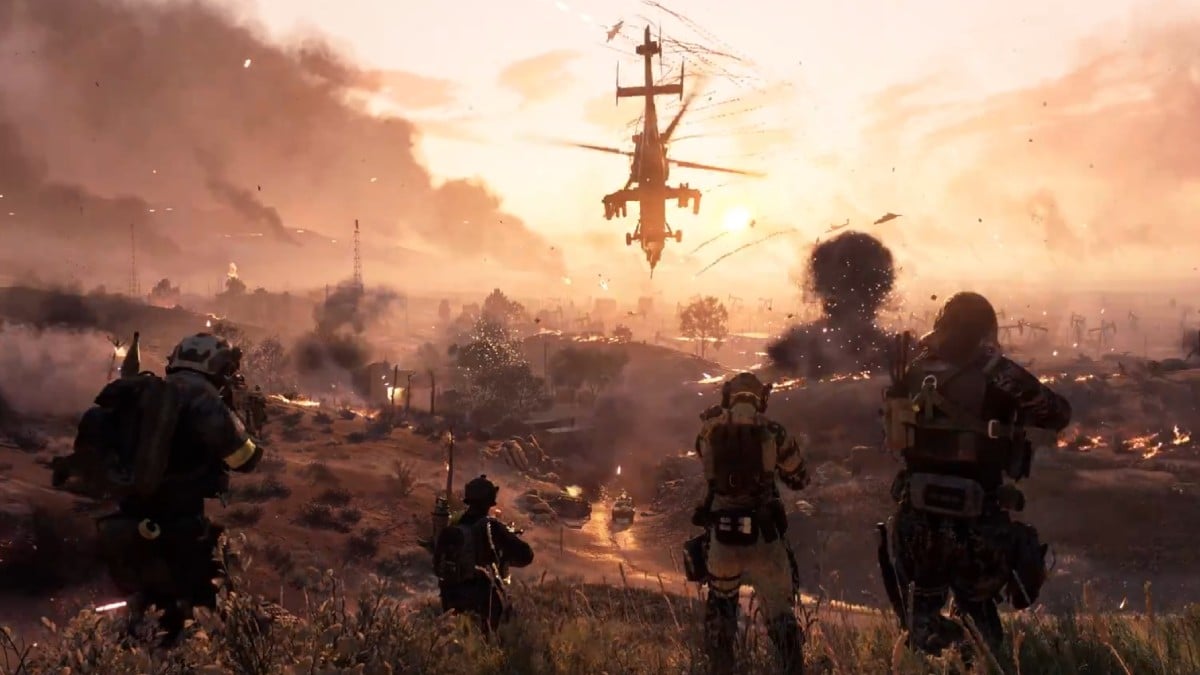
Screenshot by Dot Esports

|
Battlefield 6 battle royale is officially titled Battlefield REDSEC, and you’ll need to follow a few direct steps to download it once it officially becomes available on Oct. 28 at 10am CT for PC and consoles.
The BR is completely free-to-play, and its launch is part of the BF6 Season 1 update. REDSEC is separate from the main Battlefield 6 package. The BR will be accessible through the usual storefronts, such as Steam, PlayStation Store, Microsoft Store, and the EA Play app, so you won’t need to search extensively to find it.
Having that said, here’s everything you need to know about downloading BF6 BR.
How to download Battlefield REDSEC
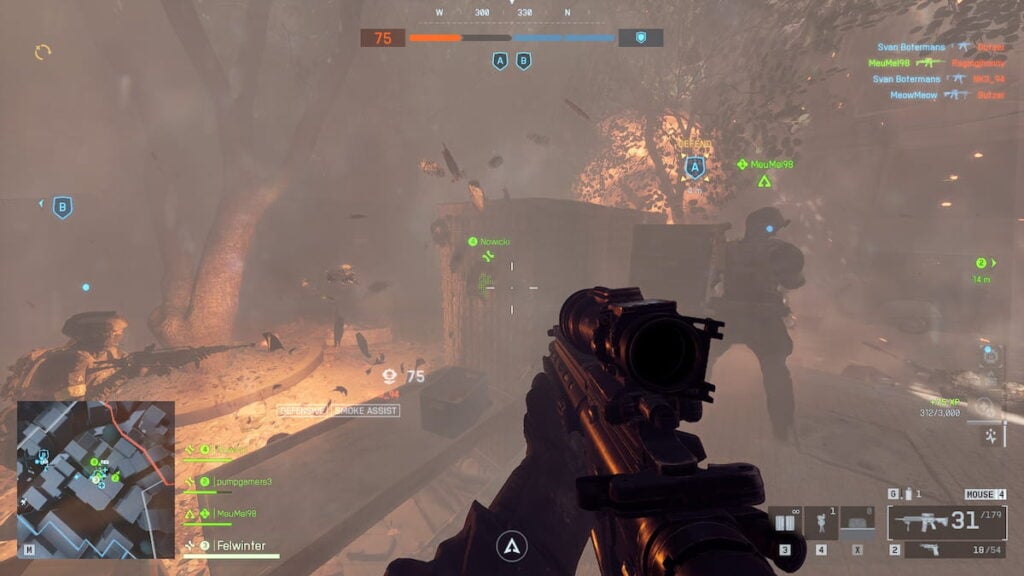
At the time of writing, there’s no pre-load option ahead of release. Right now, there’s only a little less than 10 hours remain, so it’s safe to say that you can start the download right when the mode goes live.
Here’s the countdown until the Battlefield REDSEC release time:
Battlefield RedSec release time
Once the BR mode arrives, I will list down the entire download process for all platforms.
Requirements before you download Battlefield REDSEC
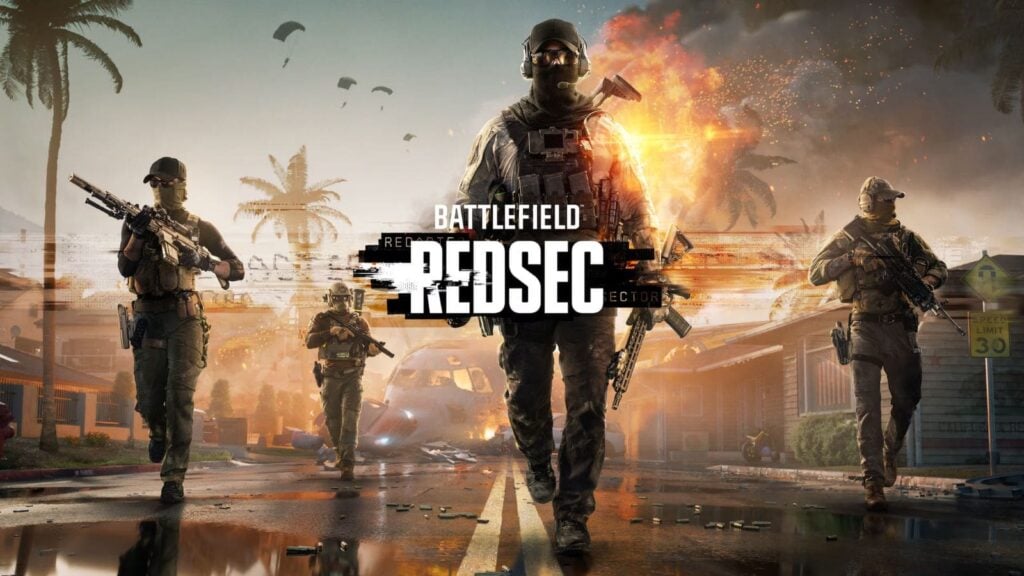
Before you download the battle royale, make sure your system meets the minimum requirements for Battlefield 6, which now apply to REDSEC as well. Alongside that, keep at least 35 to 40 GB of storage space free, as the mode’s initial download size is comparable to the main game, with slight variations by platform.
Also, if REDSEC is your first venture into the Battlefield franchise, you’ll need to have an EA Account as well to play or download across all platforms. You can create one directly from their official website.
I want to remind you that the full Season 1 content with the update 1.1.1.0 for Battlefield arrives at 10am CT, a few hours after the patch update drops. So, don’t panic if you don’t get to see the BR option right away.

Comments
[gs-fb-comments]