
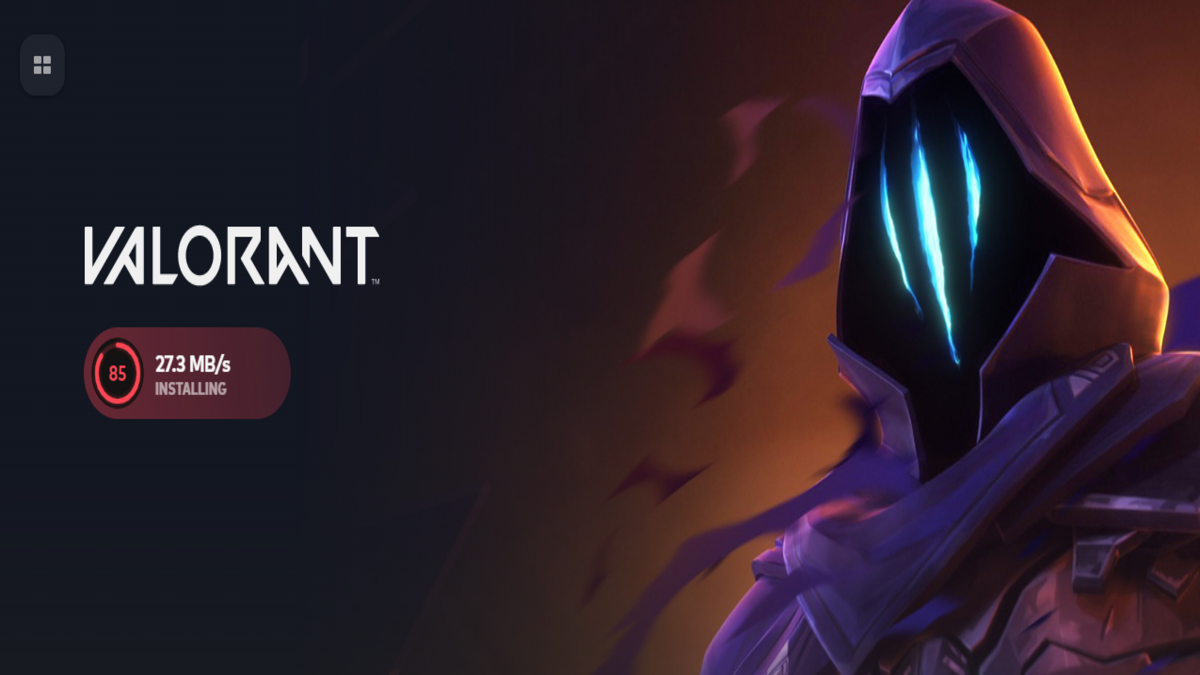
Screenshot by Dot Esports
Looking to download and play VALORANT? Here’s everything you need to know.

|
If you plan to install VALORANT on your PC or console in 2025 and start (or restart) your grind to Radiant, one of the first things you’ll want to check is how much storage space it takes before clicking that bold red download button.
VALORANT remains one of the top tactical FPS titles, thanks to Riot Games’ consistent stream of content updates, balance changes driven by community feedback, and regular agent and map releases. However, this commitment to keeping the game fresh comes with a trade-off: a steadily increasing storage requirement since its launch in 2020.
If you’re wondering how much space VALORANT takes in 2025, along with its exact download and install size, here’s a quick breakdown of everything you need to know.
How big is VALORANT in 2025?

The install size of VALORANT on PC is 49.4 GB. During the download process, the installer does its magic (file decompression, setting up Riot Vanguard, and more) to make the game ready for your PC to run. Once the installation is complete, you need to restart your device once to get things up and running.
That said, 49.4 GB is just the download size. You’ll need additional free space on your computer to fit the full game after installation. At the time of writing, VALORANT takes up about 58.3 GB of storage space on a PC after installation. So, we recommend having at least 60 GB of free space available before starting the download.
The figures are a bit different for consoles. The install size of VALORANT on Xbox and PlayStation is approximately 30 GB in 2025, while it may occupy around 40 GB post-installation.
How big are VALORANT updates?
On PC, VALORANT updates have install sizes of about five to six GB and take more storage space after installation. On consoles, the install and storage sizes are smaller. While regular updates normally take up to a couple of GBs, bigger patches, like the ones introducing new agents, require more space. I always leave around 10 GB of free space for VALORANT patches on my PC.
For the upcoming Unreal Engine 5 update (scheduled for July 27), it’s recommended to have “more than 30 GB of free storage space” to ensure smooth installation of the update. Riot, however, says the space requirement for VALORANT will significantly reduce from what it is right now after the shift. If your PC or console can’t handle this, you need to upgrade your storage space or uninstall the game.
VALORANT system requirements in 2024
Unlike space, VALORANT’s system requirements have evolved little to none with time. That’s at least what the official Riot website has to say. But there have been significant changes for sure. The game no longer runs on older Windows versions, like Windows 7 and 8.
Here is the full list of VALORANT’s official system requirements.
VALORANT minimum system requirements (30 FPS)
CPU: Intel Core 2 Duo E8400 / AMD Athlon 200GE
RAM: 4 GB
VRAM: 1 GB
OS: Windows: 10 (Version 2004 / Build 19041 or higher) or Windows 11 64-bit
GPU: Intel HD 4000 / Radeon R5 200
VALORANT recommended system specs (60 FPS)
CPU: Core i3-4150 / Ryzen 3 1200
RAM: 4 GB
VRAM: 1 GB
OS: Windows: 10 (Version 2004 / Build 19041 or higher) or Windows 11 64-bit
GPU: GeForce GT 730 / Radeon R7 240
VALORANT high-end system requirements (144 FPS)
CPU: Intel i5 9400F / AMD Ryzen 5 2600x
RAM: 4 GB
VRAM: 1 GB
OS: Windows: 10 (Version 2004 / Build 19041 or higher) or Windows 11 64-bit
GPU: GeForce GTX 1050 Ti / Radeon R7 370
On Windows 11, you need to have both TPM 2.0 and UEFI Secure Boot enabled.
VALORANT is a competitive shooter, so we recommend a high frame output over graphical performance. Even with the specs mentioned under high-end requirements, considering all constraints, your PC might find it hard to offer stable client FPS.
If you’re looking for the best experience in VALORANT and are currently building a PC for it, it could be worth aiming for specs higher than the “high-end” specs mentioned by Riot. Focus more on CPU and system RAM because the game is more CPU and memory-driven than GPU. If VALORANT doesn’t open or you get stuck on the loading screen after downloading the game or installing a patch, you can fix these hiccups easily with our guides.

Comments
[gs-fb-comments]